
HOW IT WORKS
Simple to set up.
Reassuring every day.
Buying, activating and using your Find Me Now! device, explained step by step for both Bluetooth finders and SIM-based trackers.
FOUR STEPS
From box to peace
of mind in minutes.
Choose your device
Pick a Bluetooth finder for things, or a SIM-based tracker for live location, SOS and calls.
Order & receive
Check out securely in rand and we’ll get your device to you. Questions before you buy? Our Johannesburg team can help.
Activate & connect
SIM devices: insert a SIM and charge. Bluetooth finders: pair with Find My (iPhone) or Find ME (Android).
Stay connected
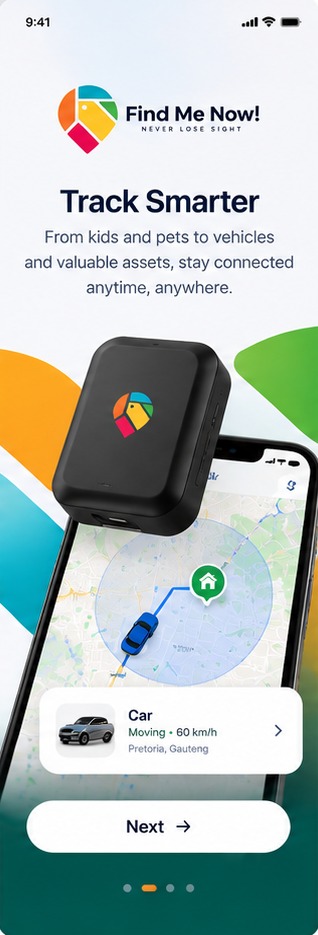
See their location, set safe zones and receive SOS alerts in the Find Me Now! app, depending on your device.
TWO WAYS TO CONNECT
Which kind of device
is right for you?
Bluetooth finders
Global GPS Tag · Wallet GPS Card. Best for keys, bags, wallets, luggage and pet collars.
- Unbox and switch on the finder.
- iPhone: add it in the Apple Find My app. Android: use the Find ME app.
- Attach it to what you want to keep track of.
- See its last reported location, share it, or make it beep to find it nearby.
SIM-based trackers
SOS HD Smart watch · Advanced GPS SOS button · GPS Locating SOS Button · Smart lock Car SOS Tracker.
- Insert a Nano SIM (eSIM supported on the Advanced GPS SOS button).
- Charge fully, or connect the car tracker to the vehicle’s 9 to 95 V DC supply.
- Add the device in the Find Me Now! app and save your SOS contacts.
- Track live, set geo-fences, review route history and receive alerts.
IN THE APP
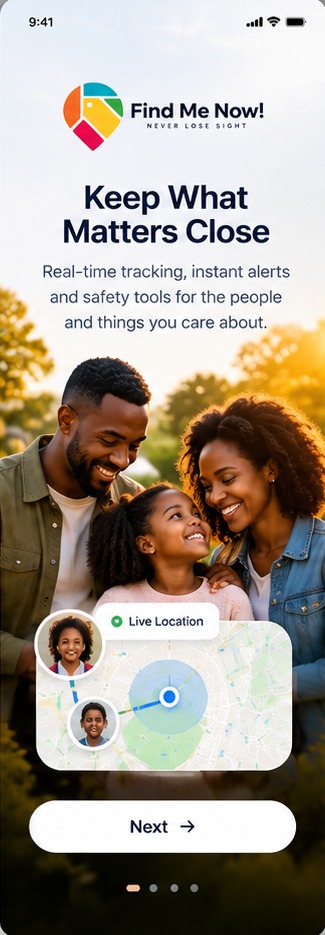
Everyone you care about, on one screen.
Once your device is connected, the Find Me Now! app shows live location, lets you set safe zones and alerts you the moment SOS is pressed.
- Live location and route history
- Geo-fence alerts when someone enters or leaves a zone
- SOS, fall and low-battery notifications
FAQ
Questions, answered.
Bluetooth finders need no SIM. They report their location through compatible phones nearby, using Apple Find My on iPhone or the Find ME app on Android. SIM-based devices use a mobile network to send live location, alerts and calls.
The SOS HD Smart watch, the Advanced GPS SOS button and the GPS Locating SOS Button. All three also support two-way calling.
The Advanced GPS SOS button and the GPS Locating SOS Button include a fall alarm that alerts the app.
Ratings vary: the Global GPS Tag is IP67, the SOS HD Smart watch is IPX7 and the Advanced GPS SOS button is IP67/IPX7 rated. Check each product page for details.
Yes. Location and alerts on SIM-based devices depend on the mobile network coverage of the SIM you use.
Ready to get started?
Find the right device, or ask our team to help you choose.